restoreit
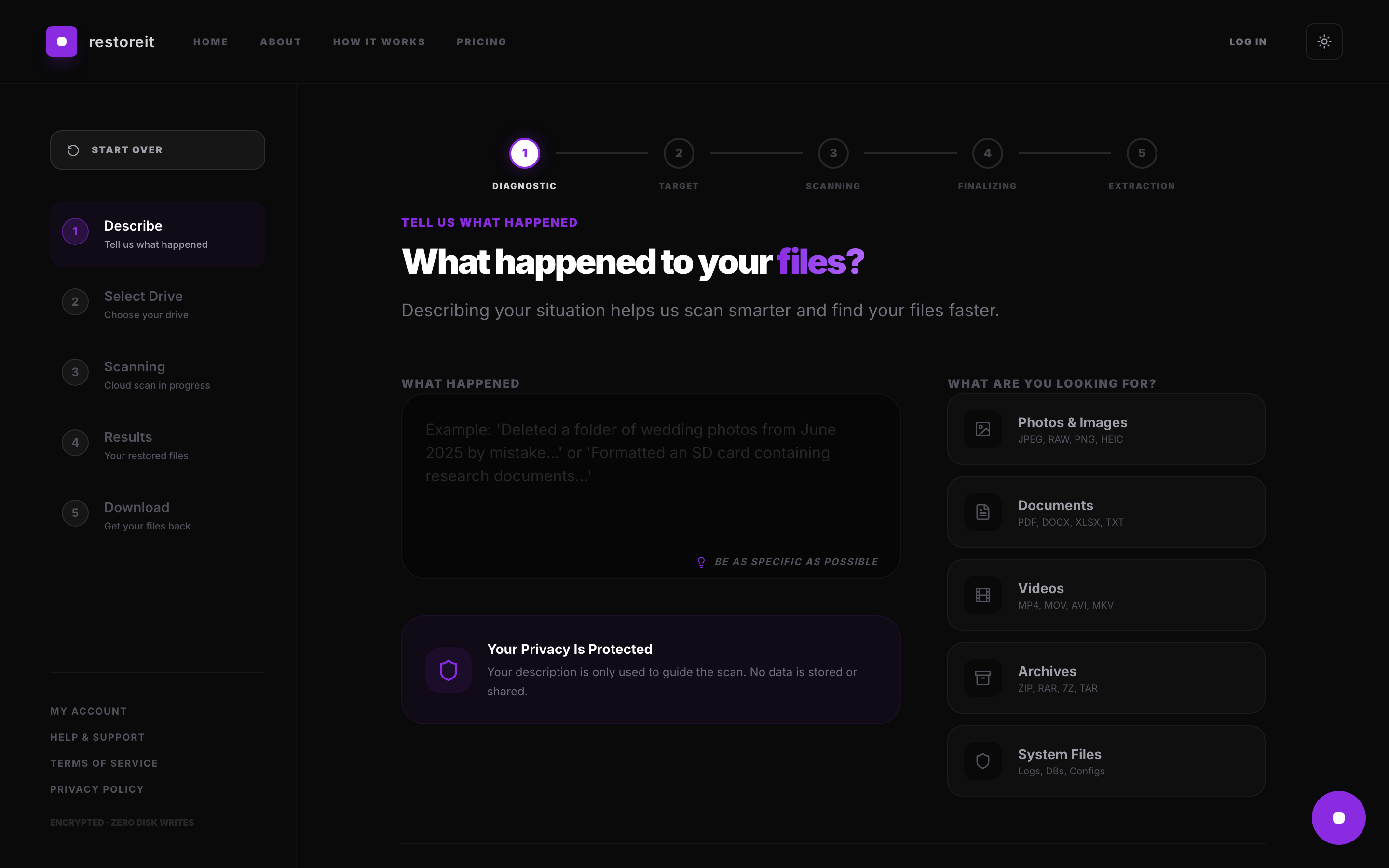
Stop. Do not write anything to your drive.
What most people do
after losing a file makes things worse.
Every second you spend installing more software to get it back is another second spent overwriting what you've lost.
How It Works
Five simple steps.
01
Connect
Run a single relay command. Nothing is installed — it executes entirely in your computer's RAM.
02
Scan
The relay streams your drive's raw sectors to our cloud engine over an encrypted connection.
03
Preview
See what was found — file names, types, sizes, and integrity scores. You decide whether to proceed.
04
restoreit
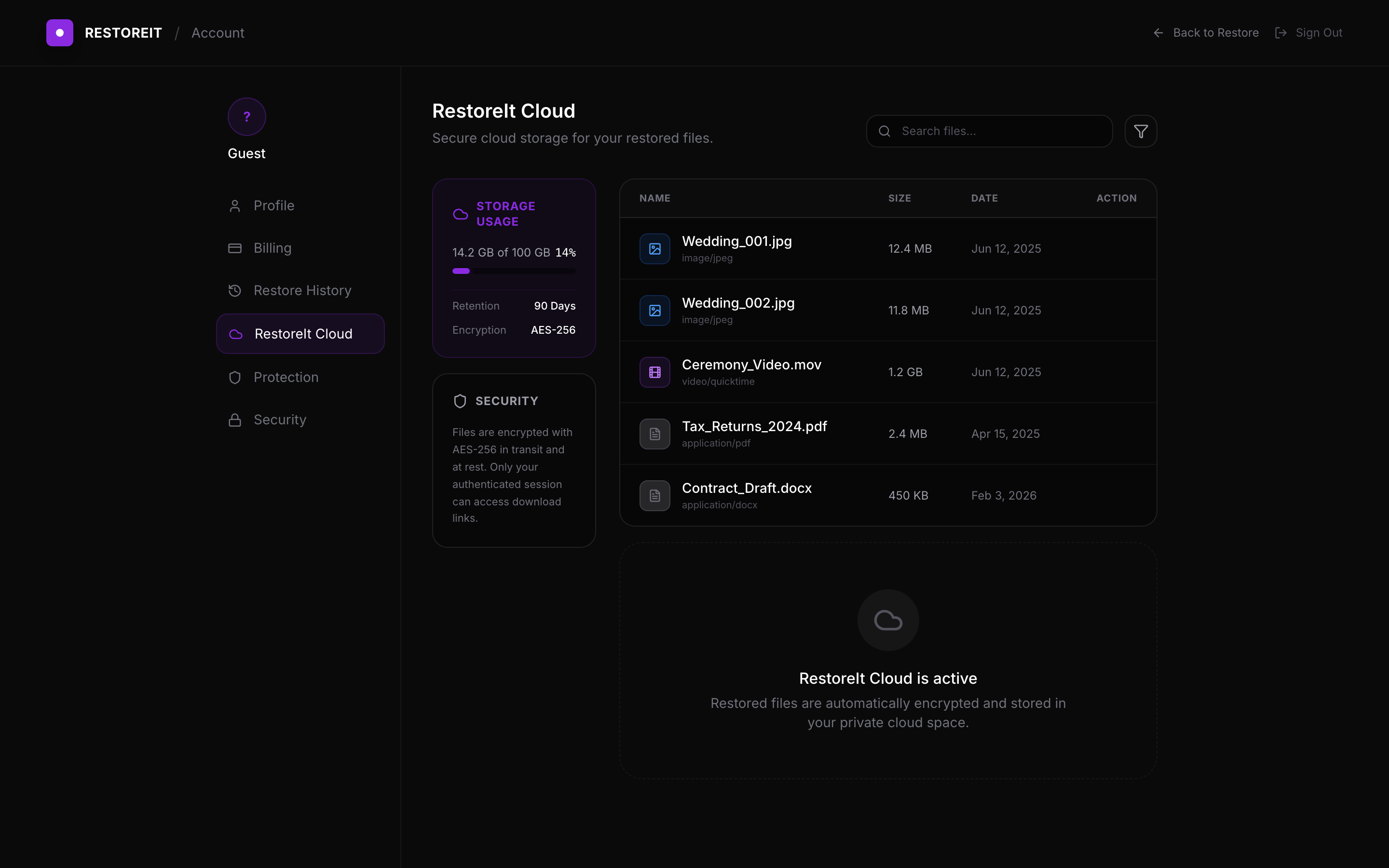
Choose your plan and access your restored files securely via restoreit Cloud.
05
Protect
Add restoreit Protection to continuously monitor your drives and prevent future data loss.
Uptime
99.99%
SLA Guaranteed
Scan Speed
2GB/min
Avg. Throughput
Encryption
AES-256
End-to-End
Zero Writes
0 bytes
Written to Disk
Zero write operations
to your affected drive.
restoreit scans your drive without writing a single byte. See what the scan finds before you pay.